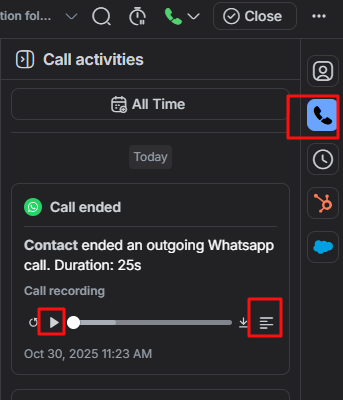
WhatsApp calling is here ???, and it also transcribes the call into notes in Responded.io.
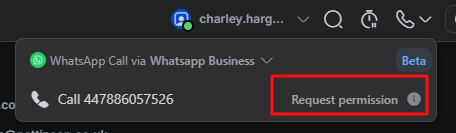
In the chat window, you will need to request permission to make or receive a call from the customer.
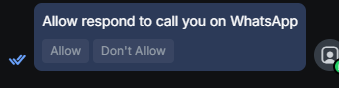
The customer will then receive the following message to grant permission
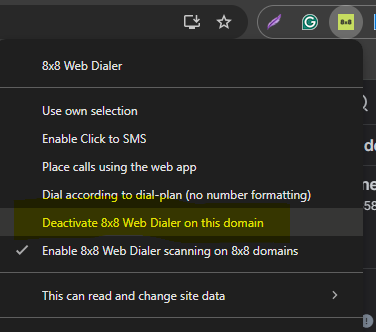
You must turn off the 8x8 click to call on this domain, so the respond.io web app will make the outbound call, not 8x8
Once the customer accepts the request, the phone icon at the top right will turn green. You can click the number to make the call
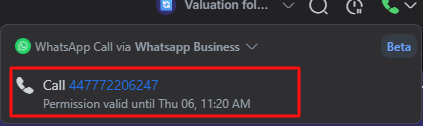
The outbound call will appear on the bottom left of your screen.
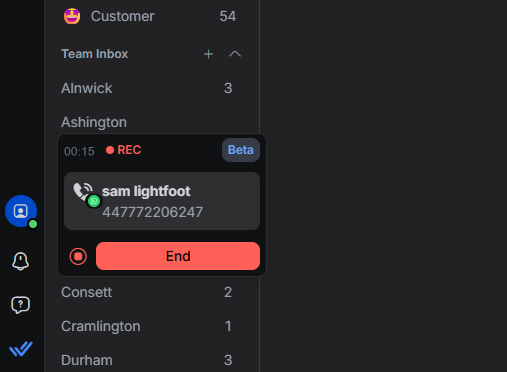
Once the call has ended, you can access the recording and notes from the panel on the right. If you click this  You will see the transcript of the call.
You will see the transcript of the call.